Dama1.0.0
Publisher Description
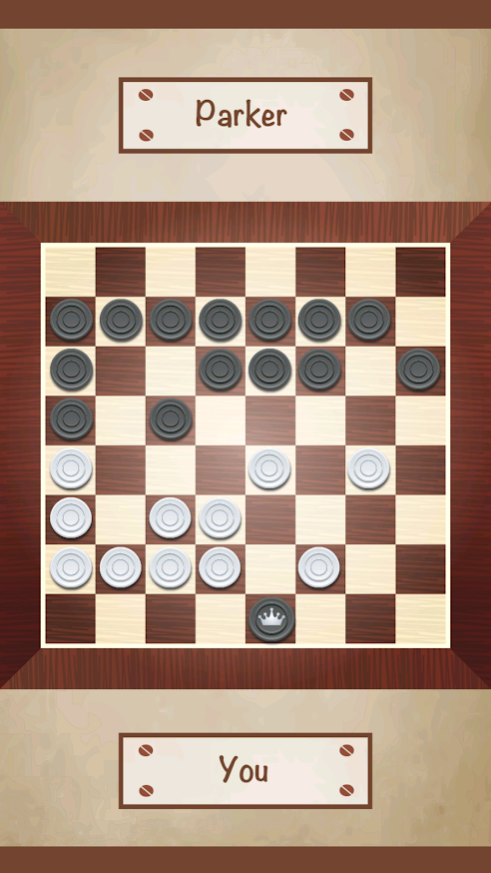
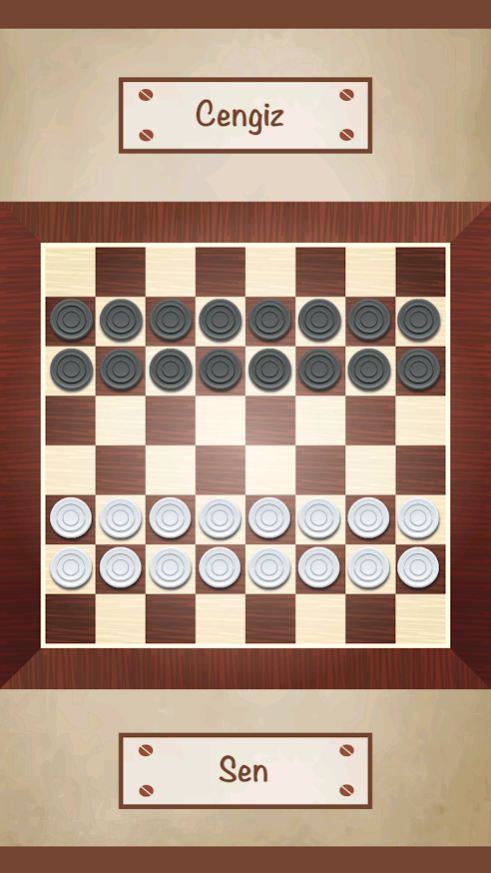
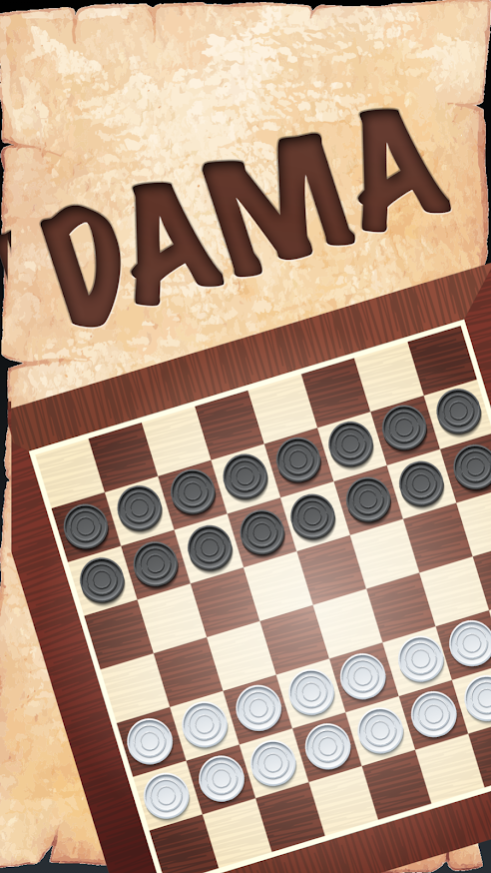
Turkish Checkers is a game where two people play face to face just like chess. The checkerboard is also 8x8, similar to a chessboard. But unlike chess, all pieces move in the same way.
Unlike classical checkers, stones in Turkish Checkers do not move diagonally. If neighboring squares are empty, they can move left, right and forward but cannot go back.
The aim of all pieces is to reach the next square and become "checkers". A piece that gets stronger as checkers gains the ability to move back, and can move more than one square (like the queen in chess), provided that one or more pieces of the opposing side are taken.
In Turkish Checkers, the aim is to consume the opponent's stones and win the game.
Rules:
* Both sides; If he has the opportunity to take the opponent's piece, he must do so at the first move.
* In case of buying stones in several directions, it is obligatory to take stones that are too many.
About Dama
The company that develops Dama is APSEN BİLİŞİM VE YAZILIM SİSTEMLERİ SANAYİ TİCARET LİMİTED ŞİRKETİ. The latest version released by its developer is 1.0.0.
To install Dama on your Huawei device, just click the green Continue To App button above to start the installation process. The app is listed on our website since 2021-01-12 and was downloaded 4 times. We have already checked if the download link is safe, however for your own protection we recommend that you scan the downloaded app with your antivirus. Your antivirus may detect the Dama as malware as malware if the download link to C103589785 is broken.
How to install Dama on your Huawei device:
- Click on the Continue To App button on our website. This will redirect you to Huawei Store.
- Once the Dama is shown in the Huawei Store listing of your Huawei device, you can start its download and installation. Tap on the Install button located below the search bar and to the right of the app icon.
- A pop-up window with the permissions required by Dama will be shown. Click on Accept to continue the process.
- Dama will be downloaded onto your device, displaying a progress. Once the download completes, the installation will start and you'll get a notification after the installation is finished.
